Kingsroad Prototype
A downloadable game for Windows
Guide
Feedback & Ideas:
We'd love to hear your thoughts! For any feedback, bug reports, or ideas, please use the comment section below. Your input is highly valued and helps us improve KINGSROAD!
Vision
KINGSROAD is a fast-paced, competitive Real-Time Strategy game where mastery trumps massive collection. We limit players to a tactical core of five unique cards to ensure deep, quick-fire lane-pushing duels and pure strategic focus.
In-Game Controls & Gameplay:
Movement & Camera (Free Camera):
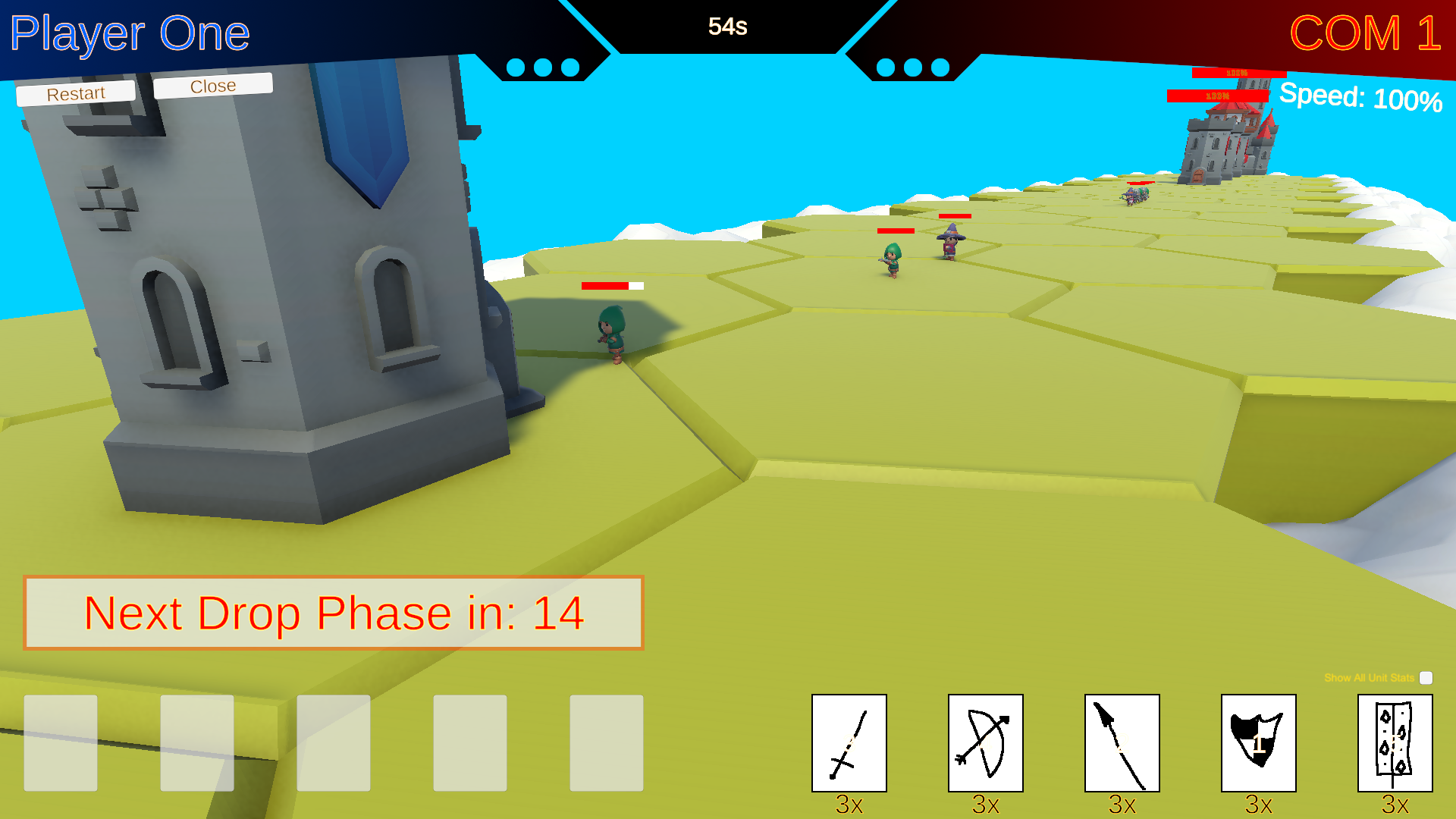
- Hold Right Mouse Button + WASD: This allows you to freely move the camera while simultaneously using the right mouse button to set the direction.
- W: Move Forward
- A: Move Left
- S: Move Backward
- D: Move Right
- Q: Fly Upwards
- E: Fly Downwards
Speed Settings:
- Shift (Left Shift Key): Instantly increases movement speed to 100% (maximum speed) while held.
- Alt (Left Alt Key): Instantly reduces movement speed to 10% (slow speed) while held.
Card Selection & Troop Deployment (Drag & Drop):
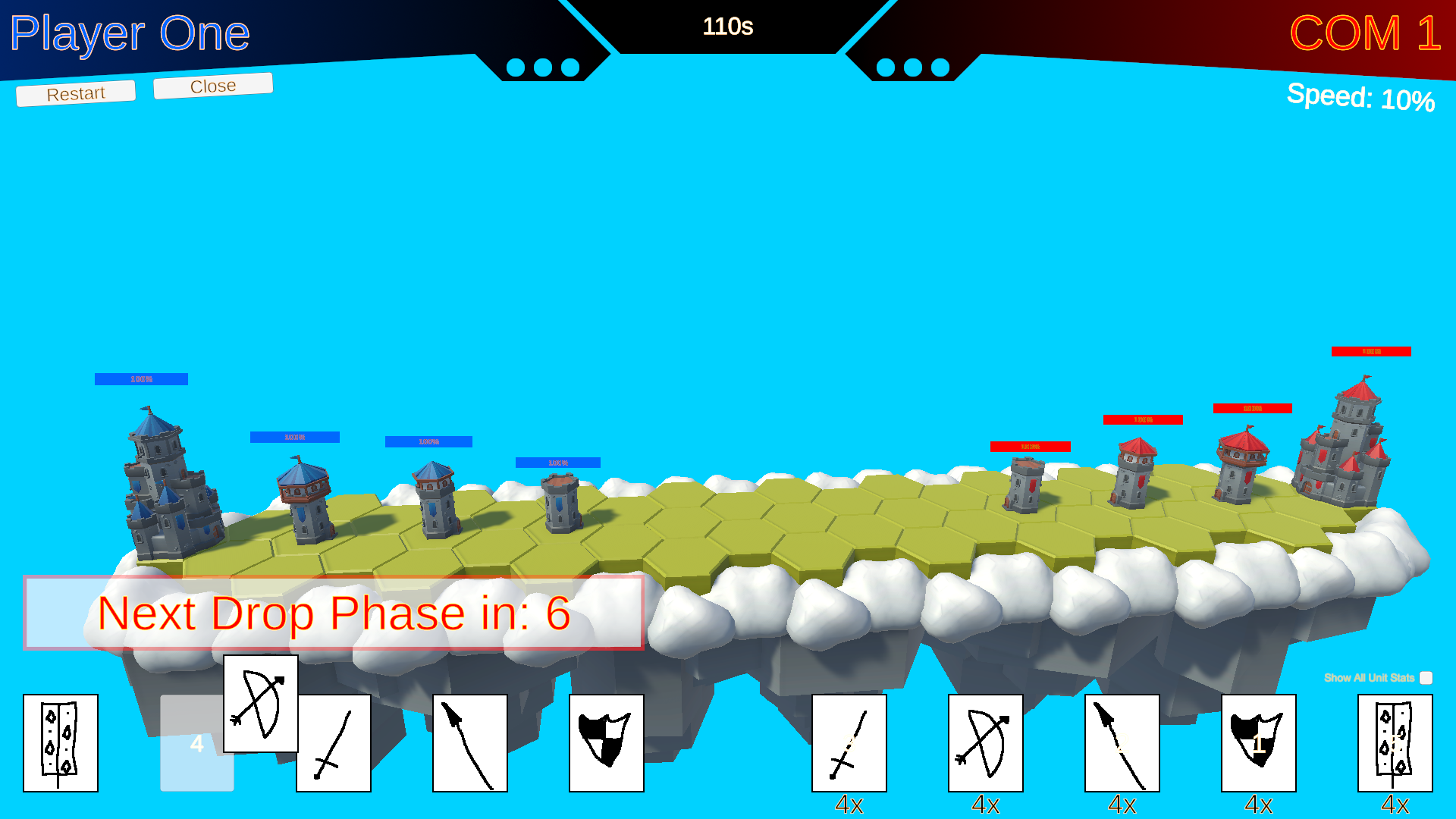
- Drag & Drop: You can drag and drop your cards from your hand (or a card stack) into the empty, numbered slots.
- Reorder Cards: Even after placing cards in the numbered drop slots, you can rearrange them as needed before the Drop Phase timer expires. Simply drag them to a different slot to change their deployment order.
- Deployment Order: The order in which you place cards into the numbered slots determines the sequence in which your troops will spawn on the battlefield. Place them strategically!
The Drop Phase:
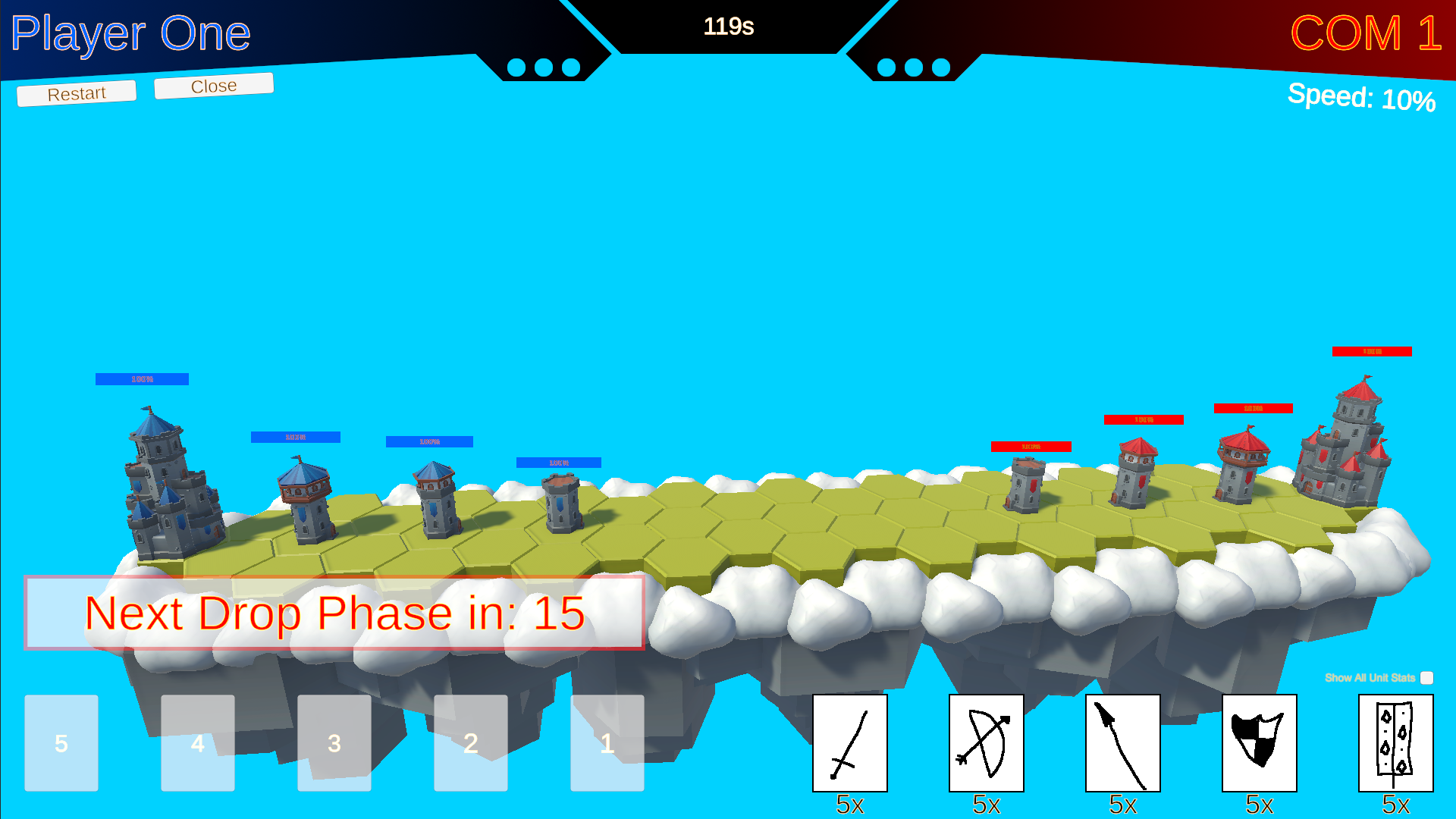
- There is a dedicated Drop Phase that lasts 16 seconds.
- During this phase, you can prepare your troop deployments by dragging cards into the numbered slots and rearranging them.
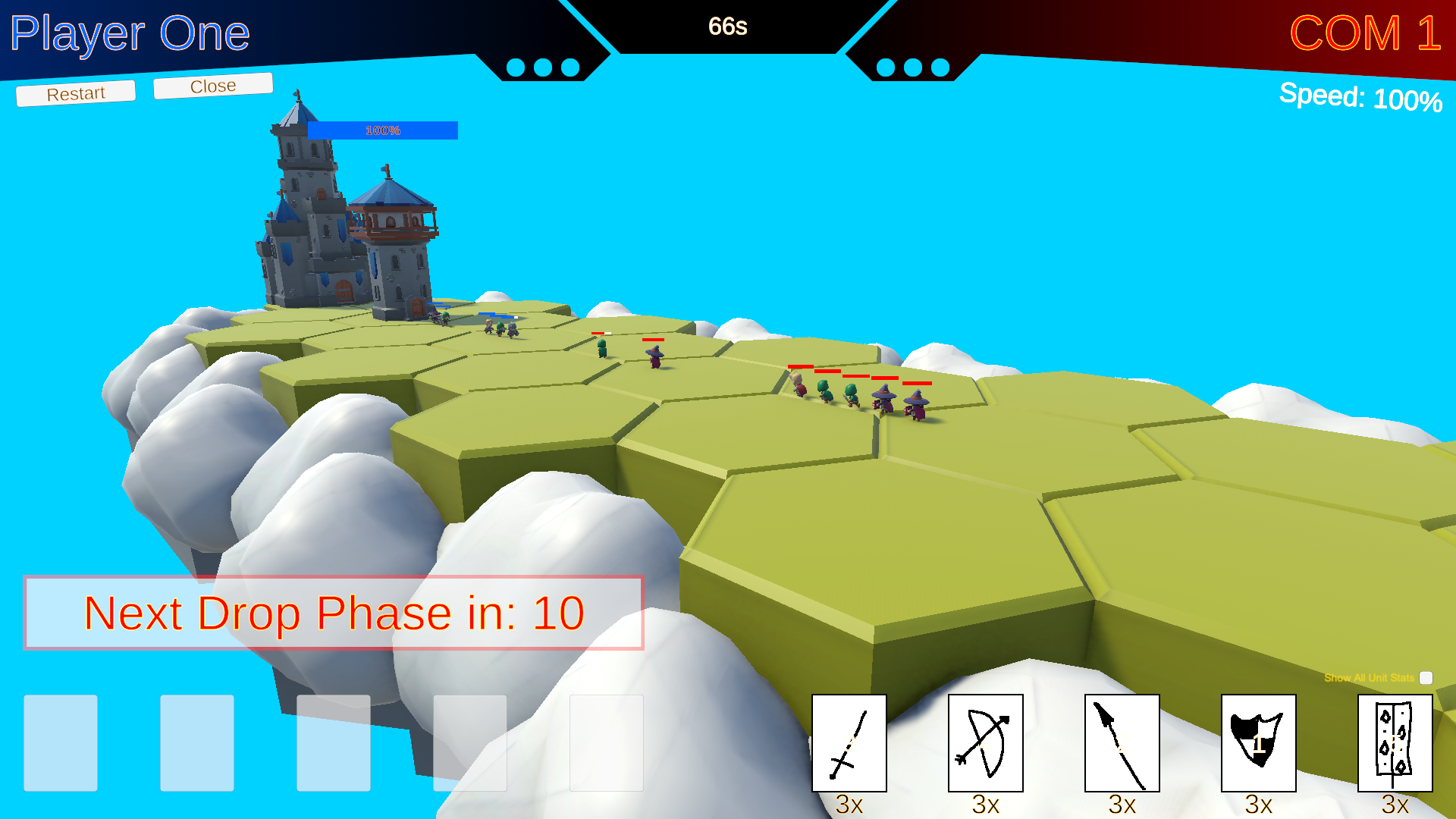
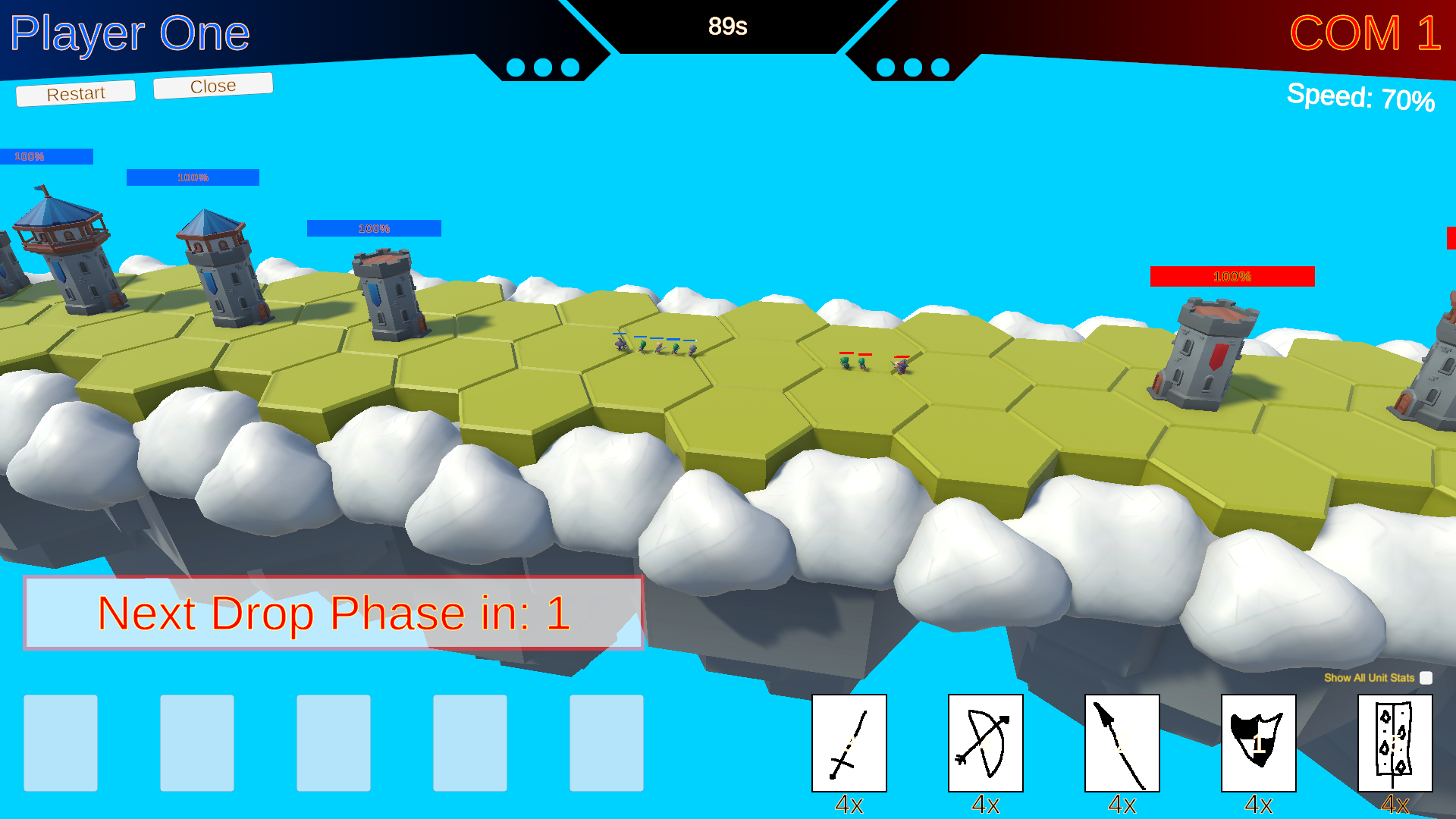
- Upon the expiration of the 16-second timer, all cards placed in the numbered drop slots will be spawned, and a new Drop Phase will immediately begin. Plan your deployments carefully within this time limit!
Game Objective:
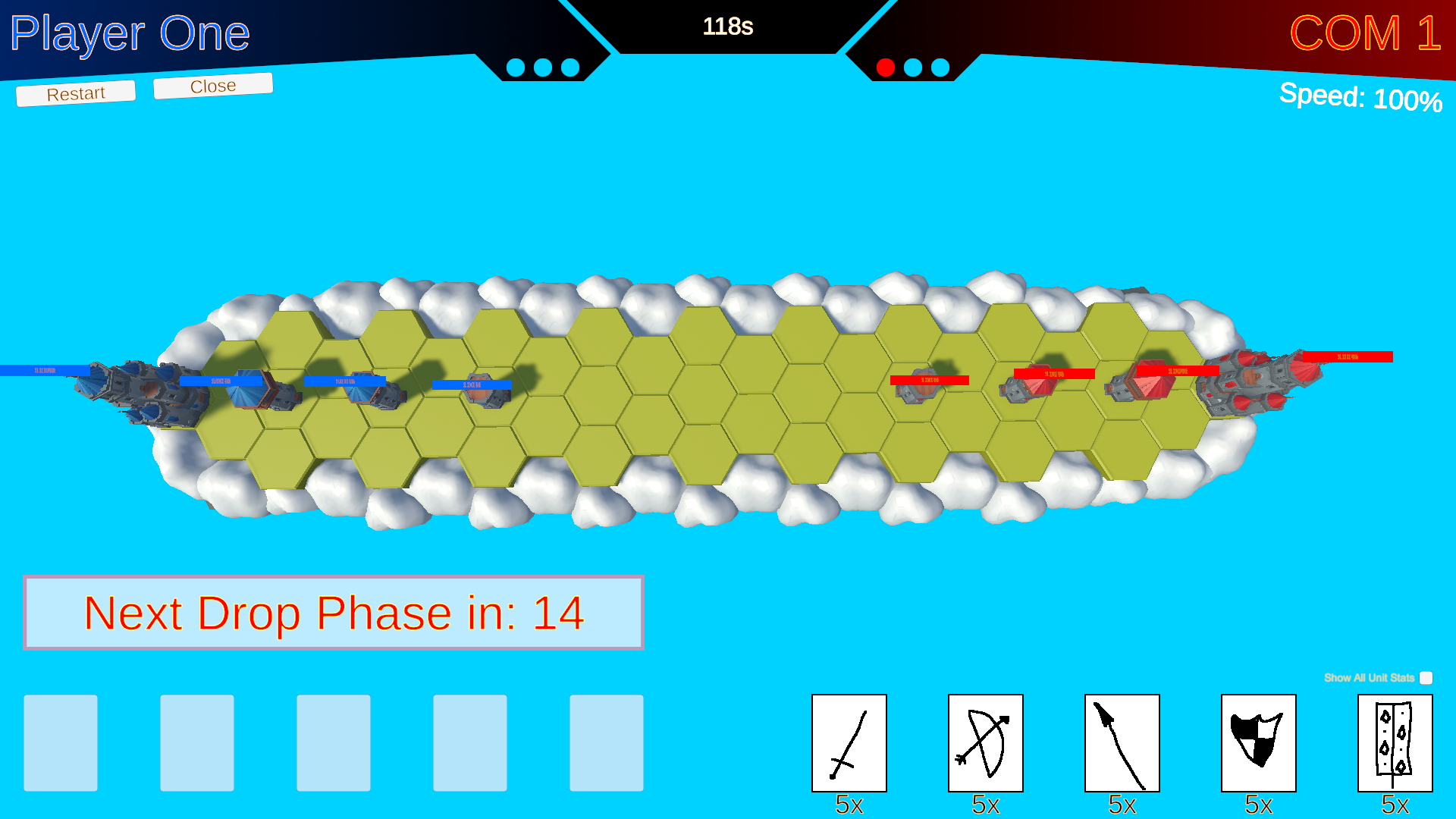
- Your primary goal in "KINGSROAD" is to destroy the enemy castle located on the opposite side of the floating island. Deploy your troops wisely to achieve victory!
- Round Duration: Each round lasts 2 minutes.
- Winning a Round: If neither castle is destroyed within the 2-minute timeframe, the player who has dealt more damage to the enemy castle wins the round.
- Match Format: Matches are played in a Best of 5 format. The first player to win 3 rounds secures the overall victory!
Download
Install instructions
Download & Setup:
- Download the ZIP file:
- Click the provided link (if applicable) and save the ZIP file to your preferred location on your computer.
- Extract the ZIP file:
- Right-click the downloaded ZIP file.
- Select "Extract All" or use your preferred extraction tool to unpack the contents.
- Run the application:
- Open the folder containing the extracted files.
- Locate the
.exefile. - Double-click the
.exefile to launch the application.
- Bypass Windows SmartScreen (if prompted):
- If you see the message: "Windows protected your PC — Microsoft Defender SmartScreen prevented an unrecognized app from starting. Running this app might put your PC at risk."
- Click "More info".
- Click "Run anyway" to start the application.
- Enjoy the game:
- Sit back, dive into the adventure, and have fun!
- Thanks for downloading and testing KINGSROAD!
Leave a comment
Log in with itch.io to leave a comment.